Cloud Storage
The Cloud Storage section, accessible from the top-right menu of the dashboard, allows you to monitor and manage the available storage space.
Usage Overview
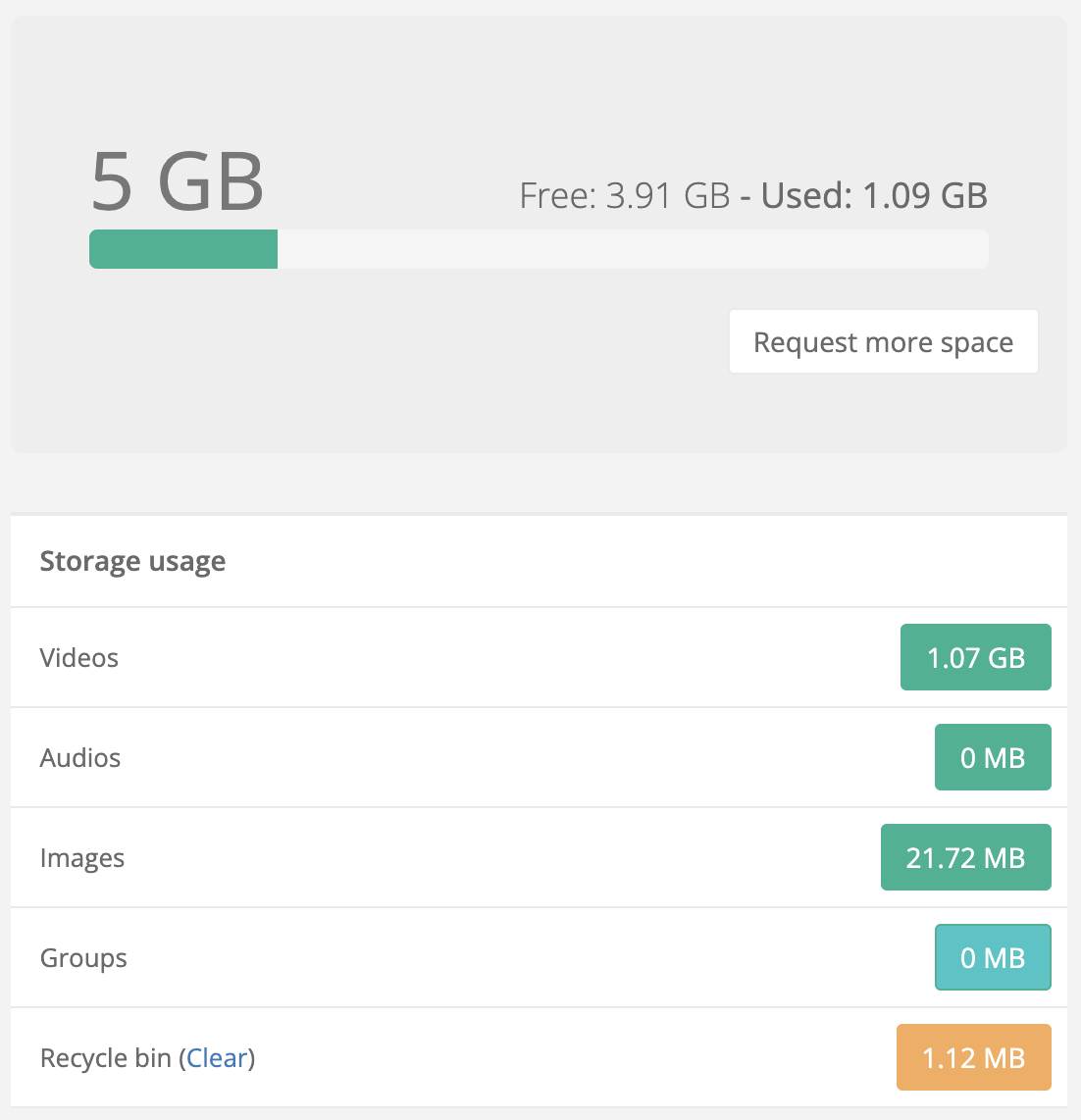
The main screen shows a breakdown of used storage, organized by type of content:
- Videos
- Audio
- Images
- Groups
- Trash (with option to empty)
This breakdown lets you keep track of which resources take up the most space in your account.
Trash Management
The space occupied by Trash counts towards the total.
To free memory, you can press Empty, which will permanently delete the files in the Trash.
⚠️ Warning: emptying the Trash is irreversible. Deleted files cannot be recovered.
Questions?
For additional support, open a ticket.Last updated: May 2026